Welcome to Moriah Quest: Adventures in the Bible at play.moriahworks.com.
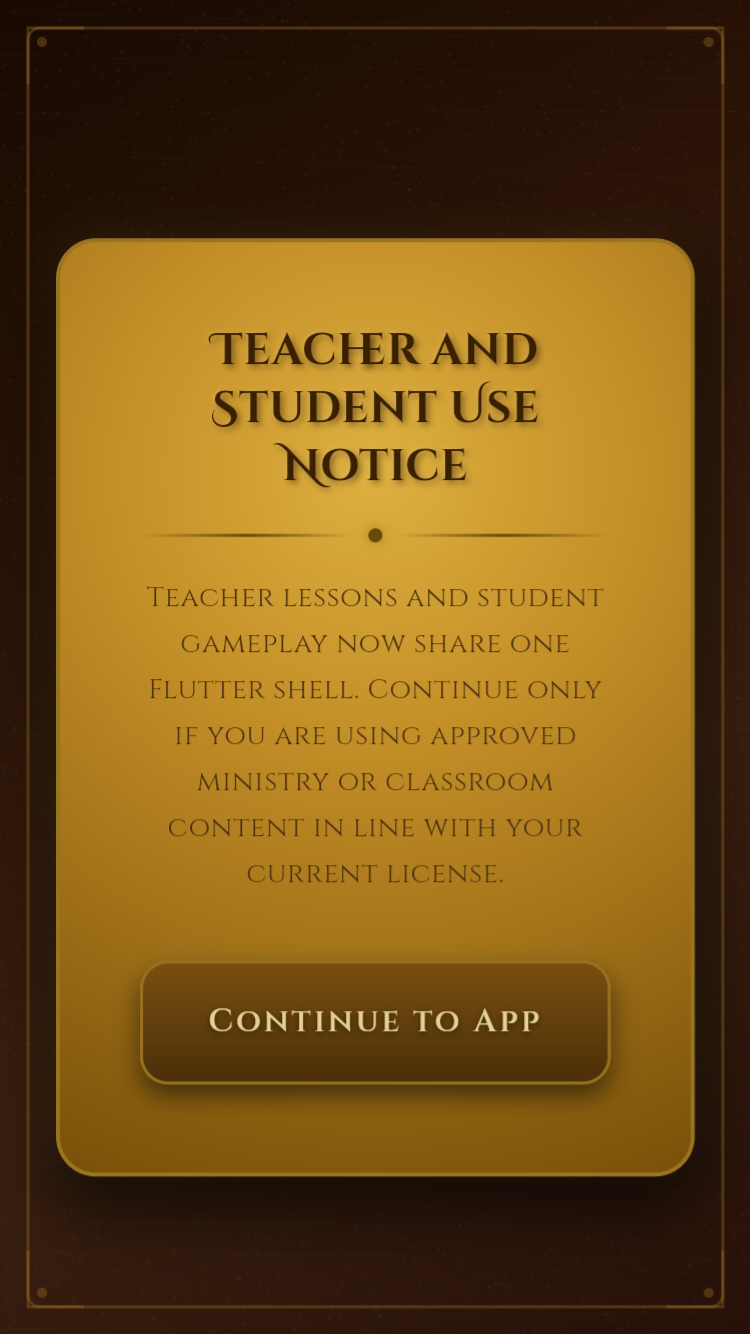
What you need
- Phone, tablet, or computer with Chrome, Safari, or Edge
- Internet connection (v1 requires online access)
- Parent subscription or a family/seat code
Step 1 — Open the app
Visit play.moriahworks.com. For app-like access, add to your home screen.
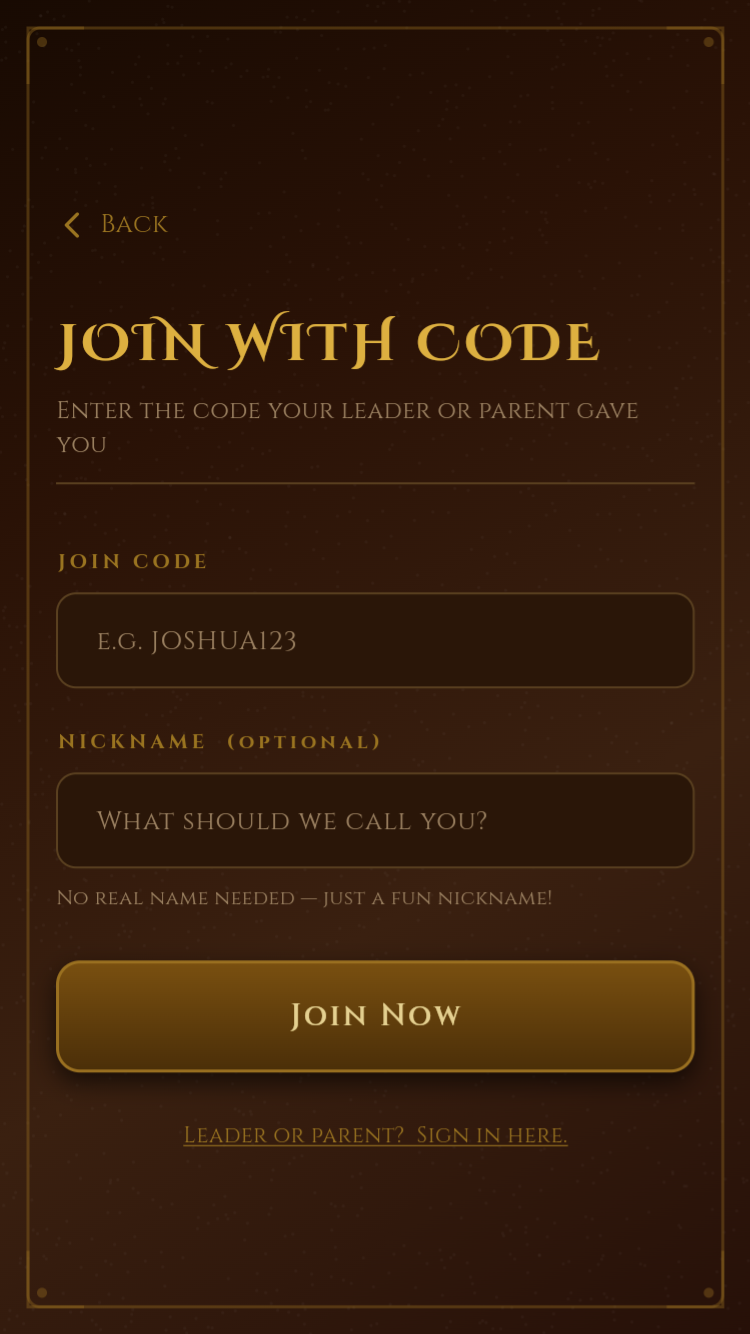
Step 2 — Sign in or join
| Who | Action |
|---|---|
| Parent | Email + password, then subscribe |
| Child | Join with Family Code |
| Church student | Join with Seat Code |
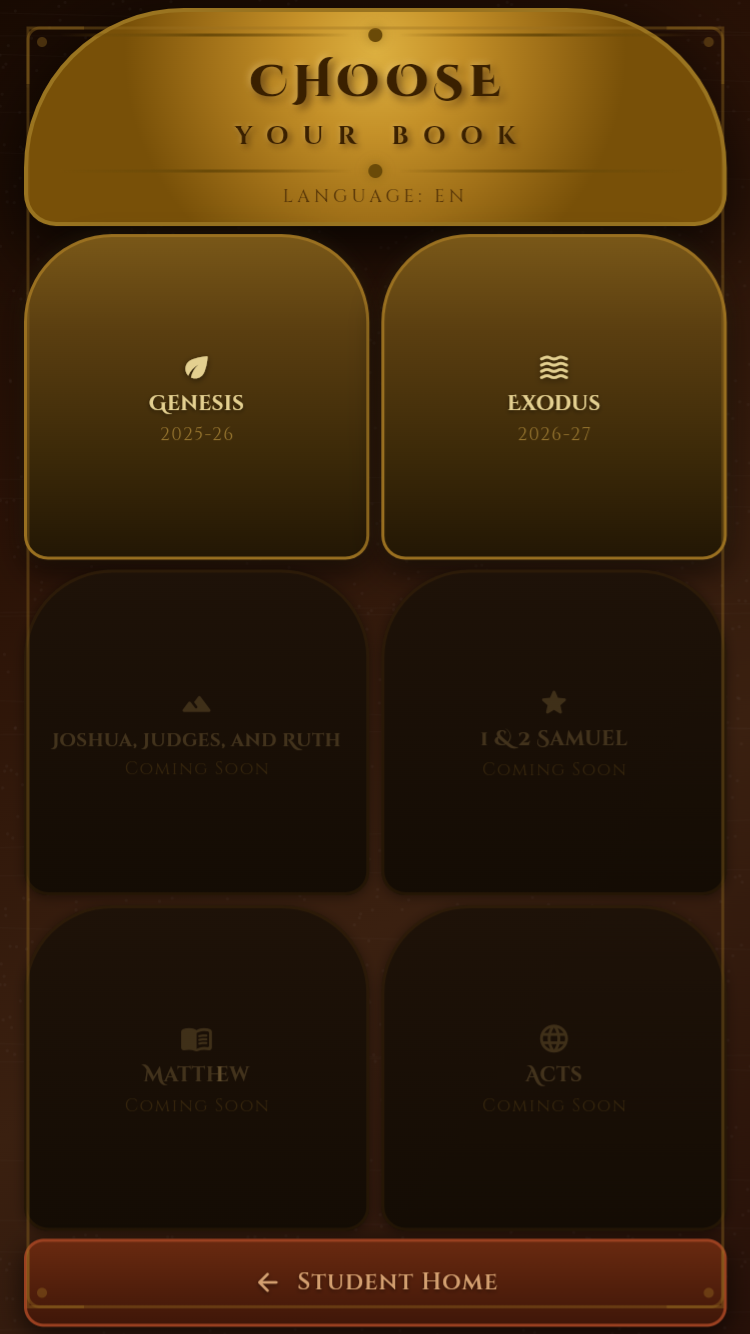
Step 3 — Choose your book
Pick Genesis or Exodus. All modes use the active book.
Step 4 — Pick a mode
Scholar Mode, Competition, Memory Verse, Who Said That?, Escape Room, or Bible Quest.
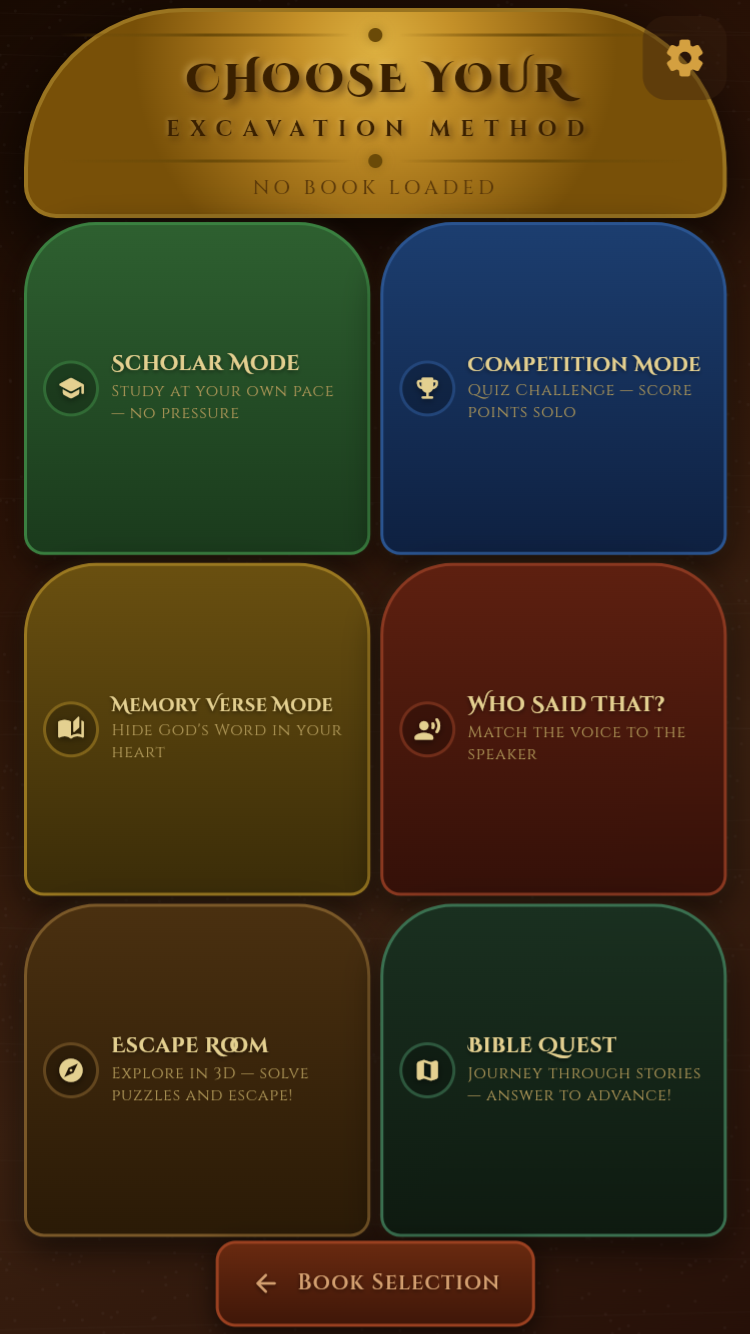
See Game Modes Guide for details.
First session (5 minutes)
- Parent subscribes and shares a family code
- Child joins and picks Exodus
- Scholar Mode → Red Level → Dig Site 01
- Turn on Smart Practice if offered